
2. Ubersuggest
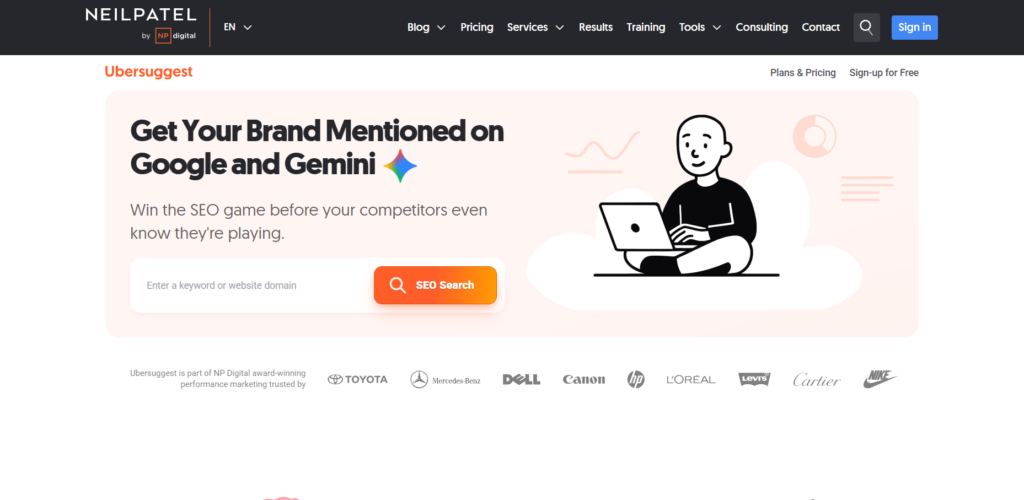
Ubersuggest is one of the easiest tools for beginners because it simplifies SEO data.
It gives you:
- Keyword ideas
- SEO difficulty
- Content ideas
- Traffic estimation
Real Example:
Type “SEO tools” → You’ll get:
- free SEO tools list
- best SEO tools for beginners
- SEO tools free
Now you can build 3 different blogs from one keyword.
Who should use it:
Beginners, freelancers, and students who want all-in-one data in one place.
Pro Tip:
Check the “Content Ideas” section — it literally shows what already ranks.
3. AnswerThePublic
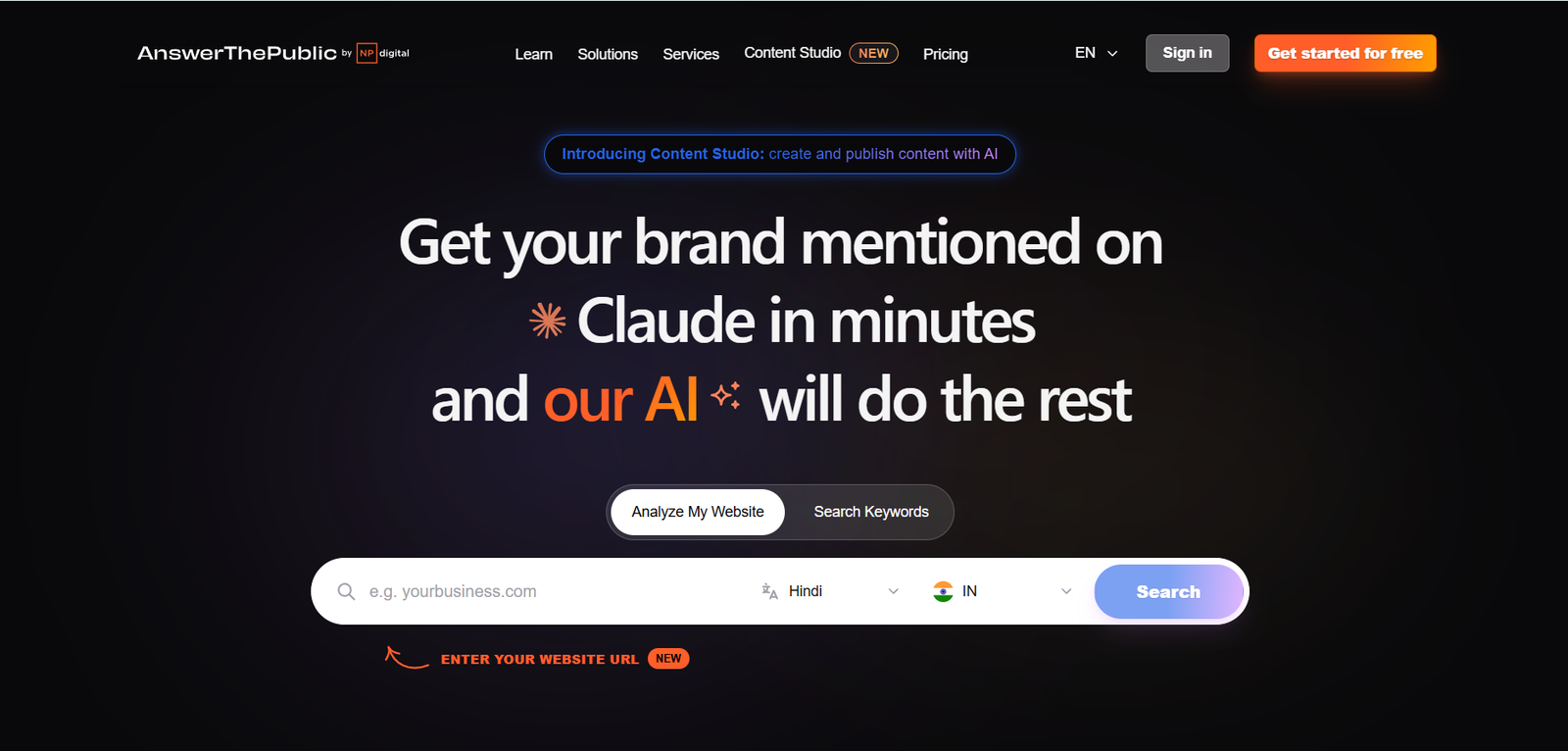
This tool shows how people think.
Instead of keywords, it gives questions.
Real Example:
Search “SEO tools” → You’ll see:
- Which SEO tool is best?
- Are SEO tools free?
- How to use SEO tools?
Now you have ready-made FAQ sections.
Who should use it:
Content creators, bloggers, YouTubers.
Pro Tip:
Use these questions to target Google AI Overview.
4. Google Trends
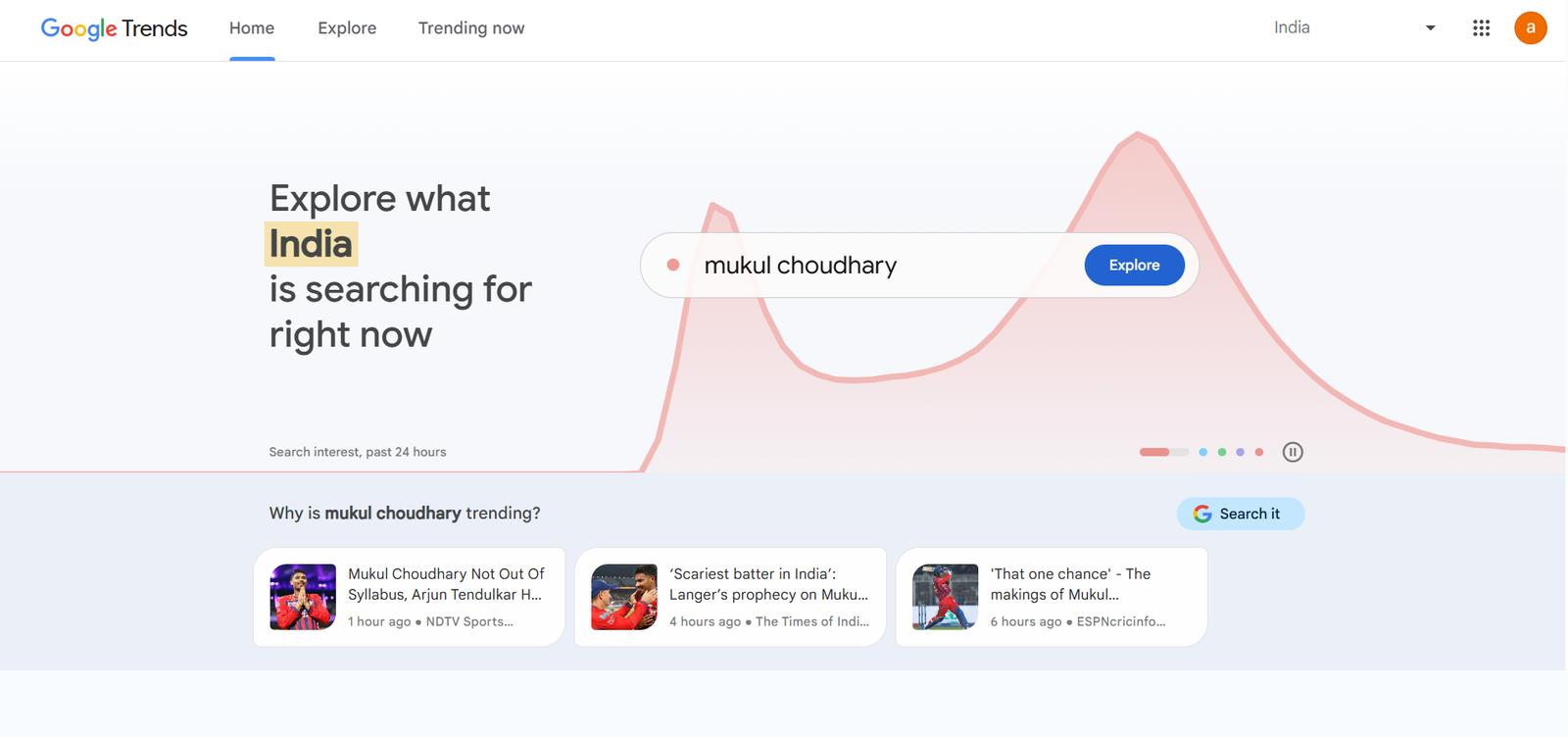
This tool shows what’s growing and what’s dying.
Real Example:
Compare:
- “SEO tools”
- “AI SEO tools”
You’ll see AI-related searches rising — that’s your opportunity.
Who should use it:
Bloggers, YouTubers, news-based content creators.
Pro Tip:
Use it before writing content — not after.
5. Keyword Surfer
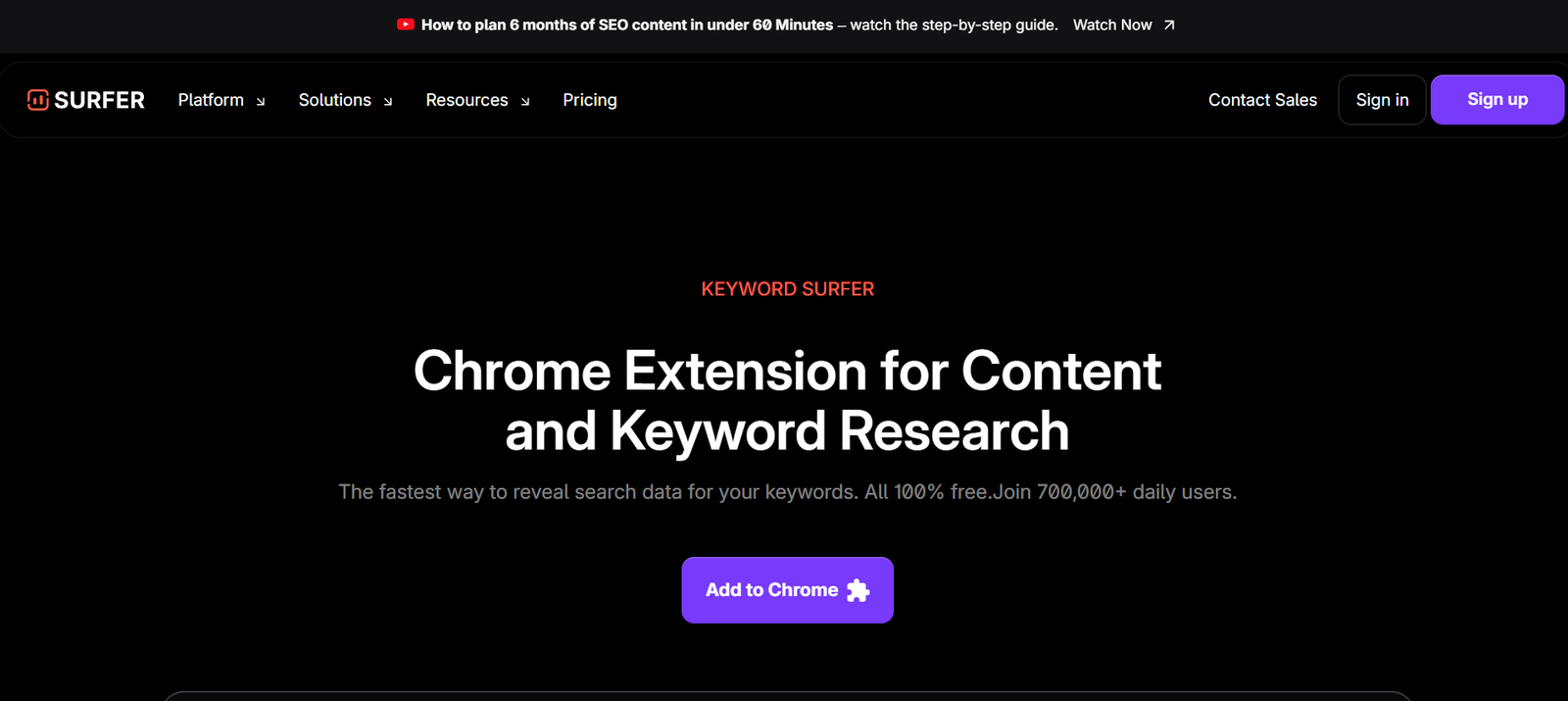
A Chrome extension that shows keyword volume directly in Google search.
Real Example:
Search anything → you’ll instantly see volume next to results.
Who should use it:
Fast researchers and beginners.
Pro Tip:
Combine it with Google autocomplete.
Best On-Page SEO Tools
6. Yoast SEO
Yoast is like a guide while writing content.
It helps optimize:
- Title
- Meta description
- Keyword placement
Real Example:
You write blog → Yoast tells:
- Keyword missing in title
- Content too short
- Readability low
Who should use it:
WordPress users and beginners.
Pro Tip:
Don’t chase green score blindly — focus on value.
7. Rank Math
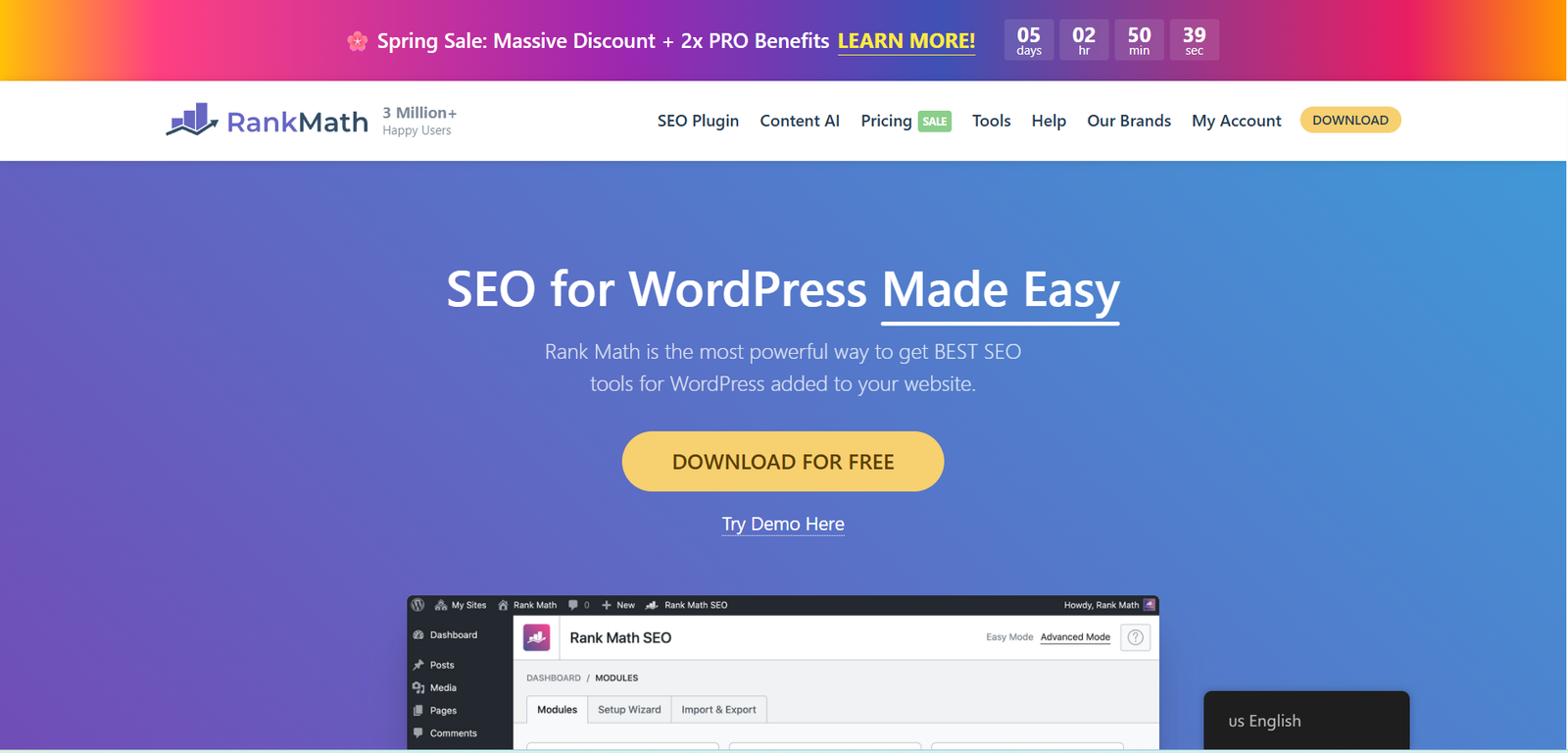
More advanced than Yoast, especially for schema and technical SEO.
Real Example:
You can add FAQ schema in 2 clicks → helps in AI results.
Who should use it:
Intermediate users, bloggers, agencies.
Pro Tip:
Use schema feature — huge ranking boost.
8. SEO Meta in 1 Click
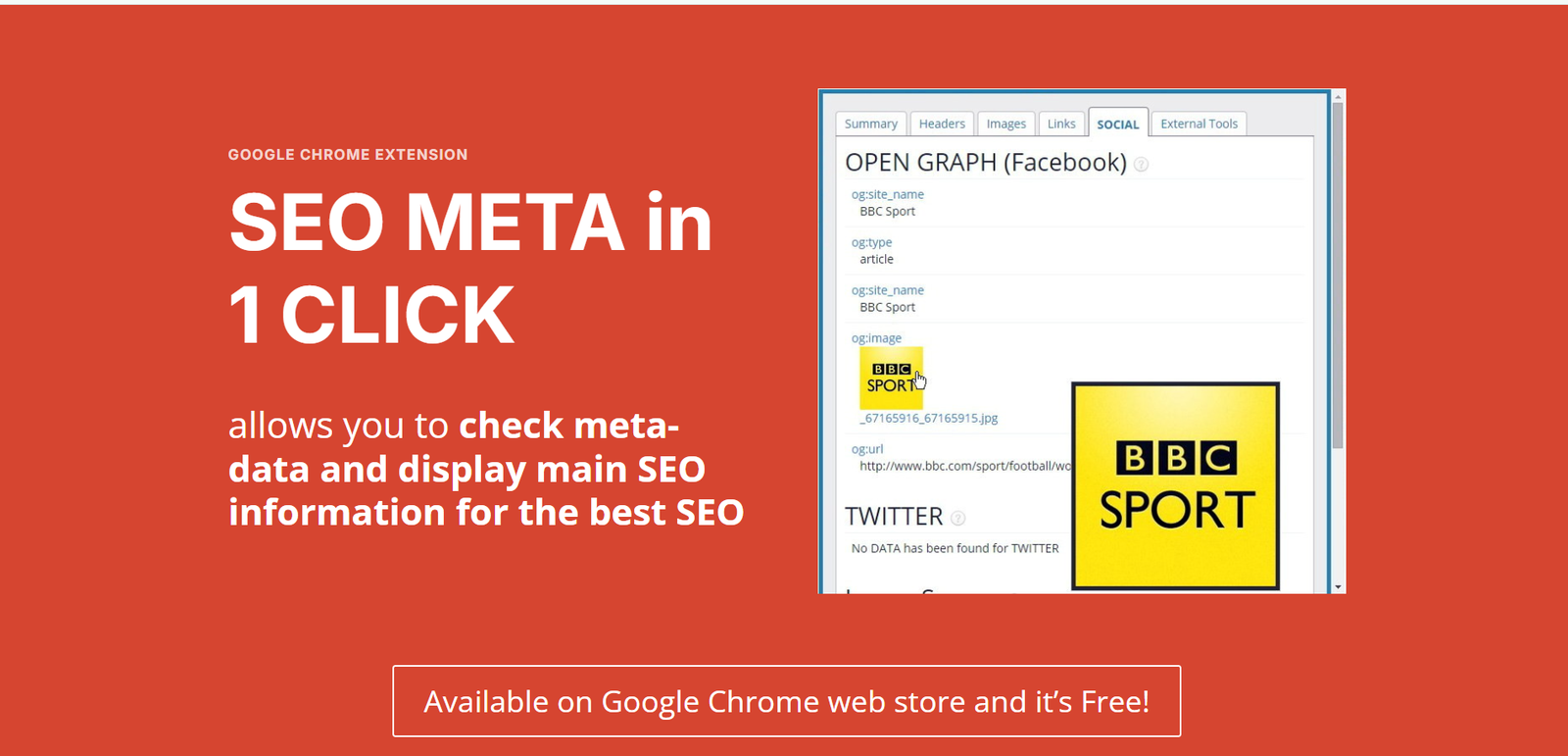
This tool shows complete SEO data of any page instantly.
Real Example:
Open competitor page → See:
- Title
- Meta
- H1, H2
Now you understand structure.
Who should use it:
SEO learners and competitors analysis.
9. Hemingway Editor
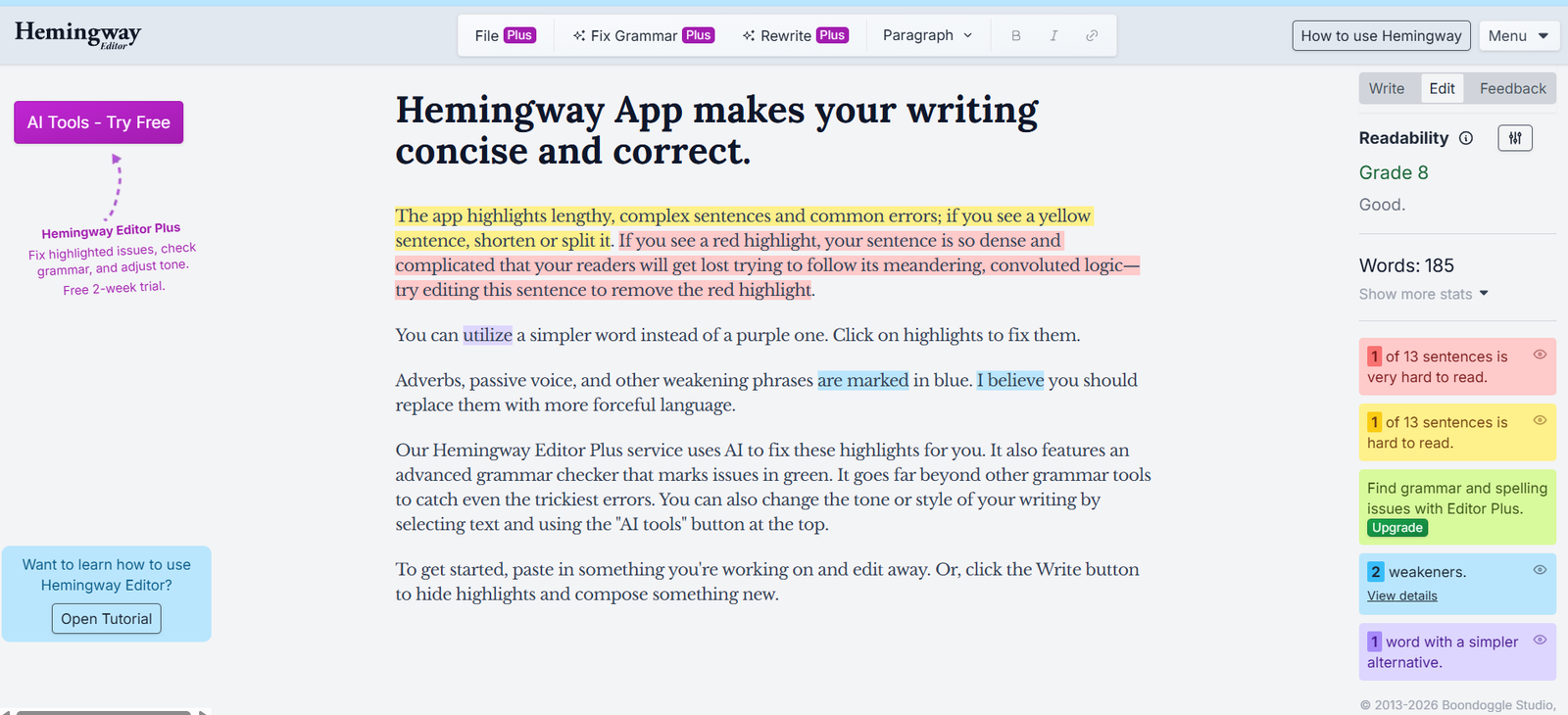
This tool makes your content simple and readable.
Real Example:
Your sentence:
“SEO optimization is significantly important…”
Hemingway → simplifies it.
Who should use it:
Beginners and bloggers.
Pro Tip:
Simple content ranks better.
Best Technical SEO Tools
10. Google Search Console
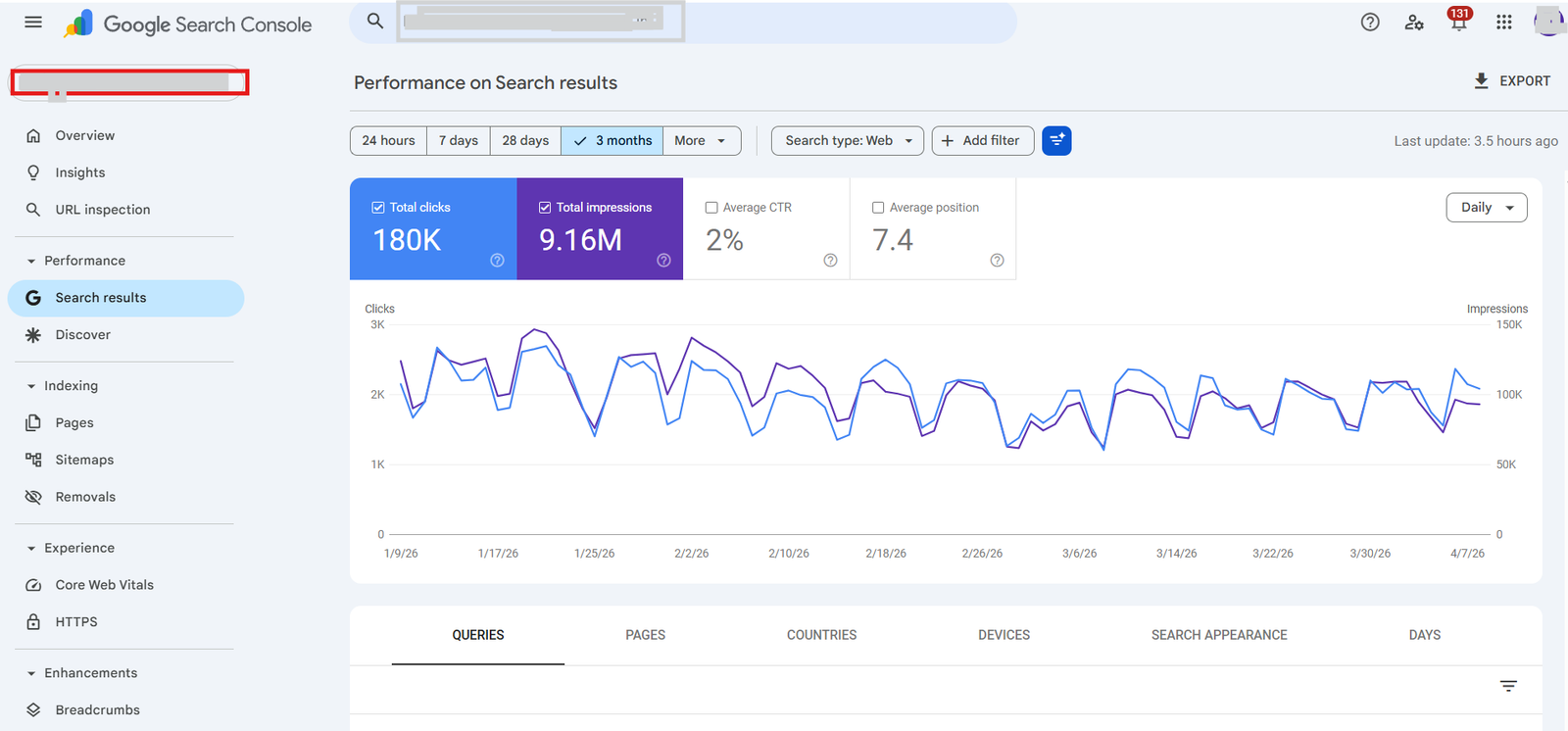
This is your SEO control room.
It shows:
- Rankings
- Clicks
- Errors
Real Example:
You publish blog → GSC shows:
- Which keywords you’re ranking for
- Which page is getting clicks
Who should use it:
Everyone. No exception.
Pro Tip:
Check weekly. Most ignore it.
11. Google PageSpeed Insights
Shows website speed and performance.
Real Example:
If your site loads slow → rankings drop.
Who should use it:
Website owners.
12. Screaming Frog (Free Version)
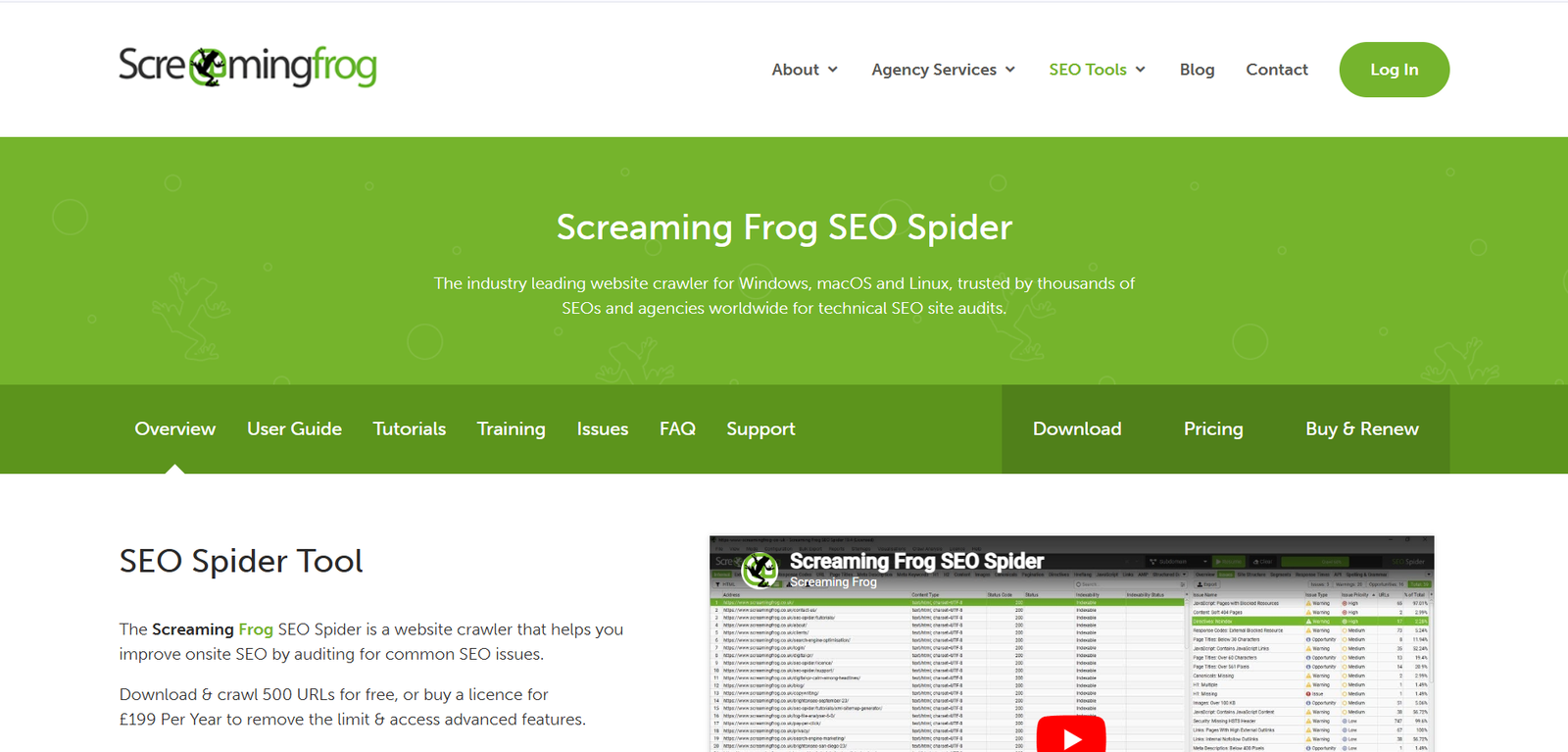
A powerful tool to crawl websites.
Real Example:
Find:
- Broken links
- Missing titles
Who should use it:
Technical learners.
13. GTmetrix
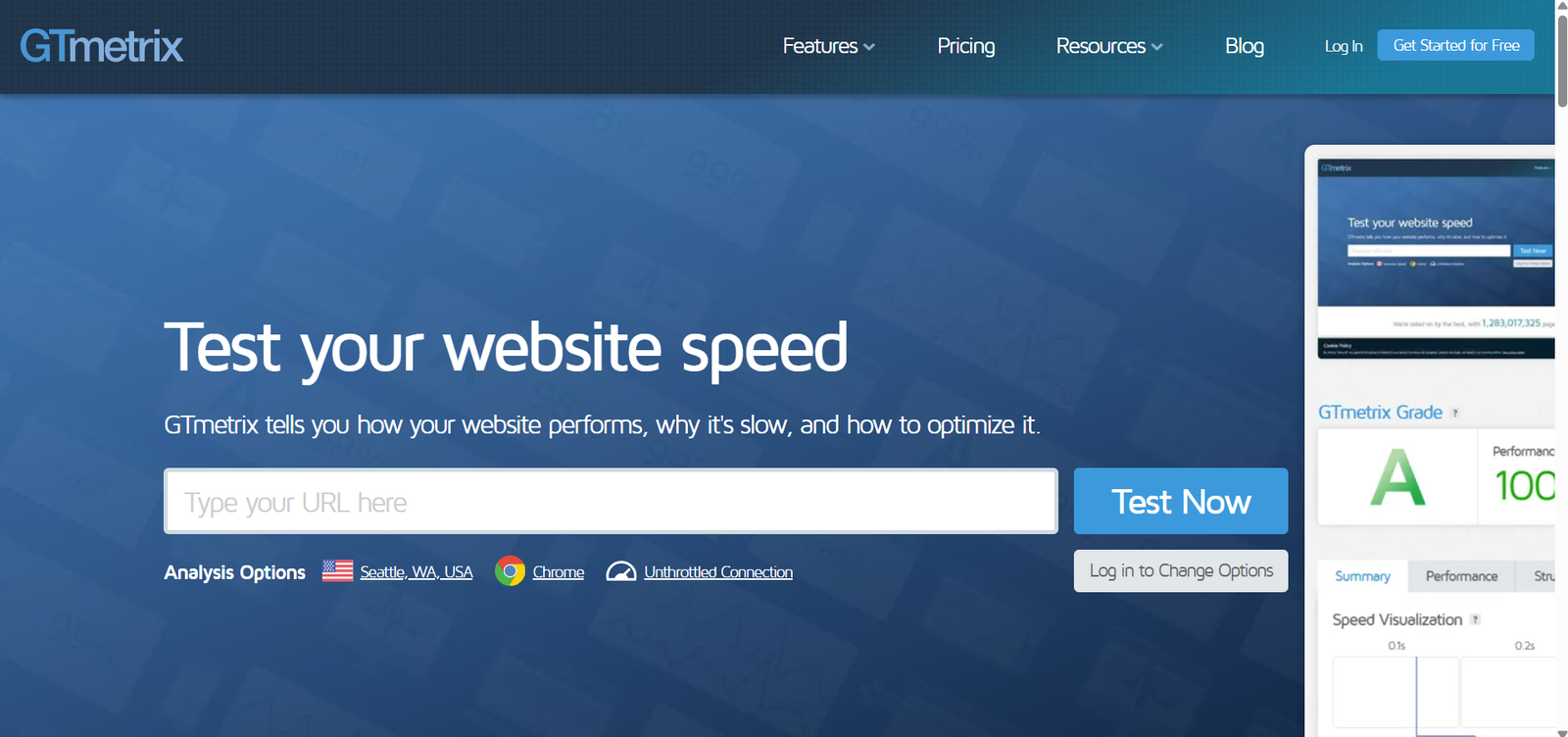
Detailed performance insights.
Real Example:
Shows what slows your site.
Top Backlink Tools
15. Ahrefs Free Backlink Checker
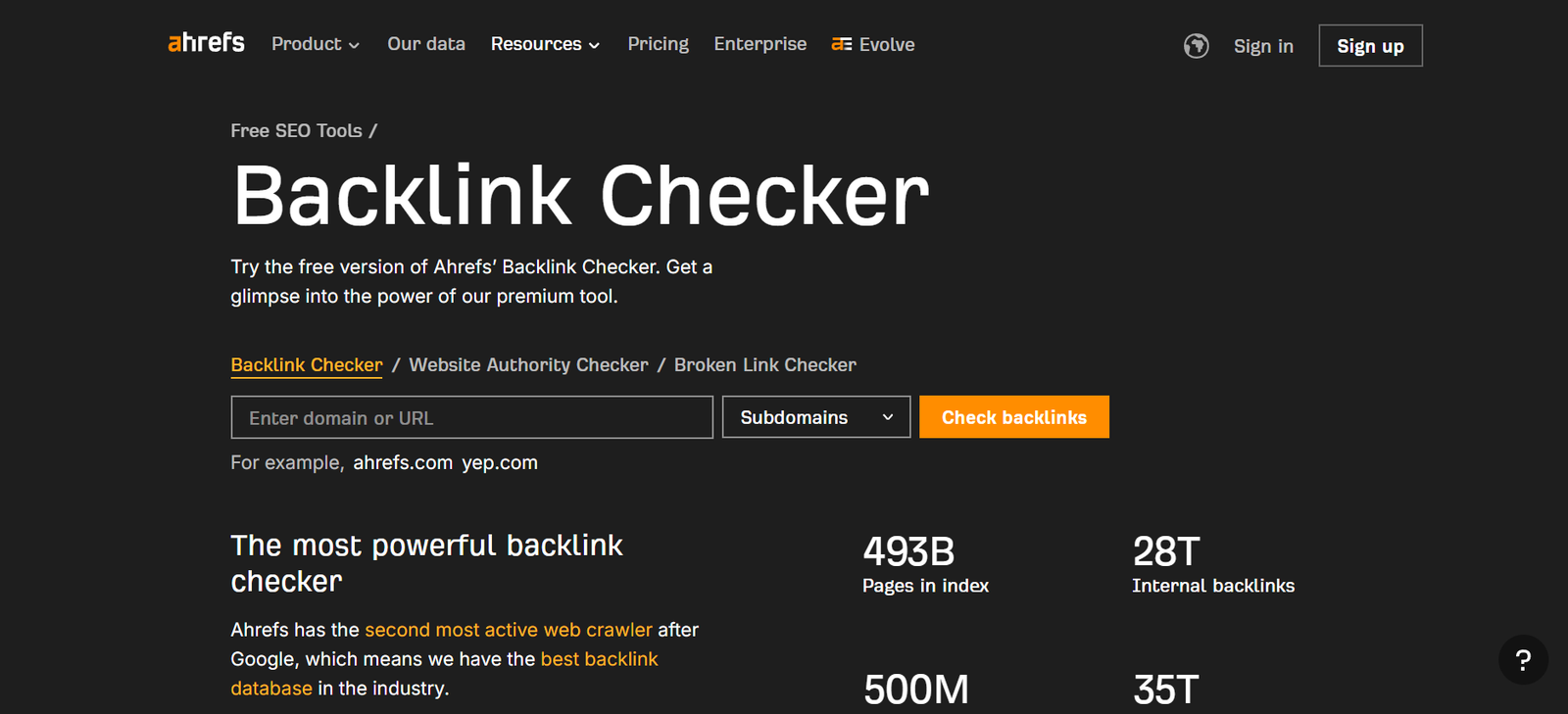
Shows backlinks of any website.
Ahrefs Free Backlink Checker is a simple tool used to check backlinks pointing to any website. It helps you understand who is linking to your site and how strong those links are. Backlinks are important because they improve your website’s ranking on search engines. For beginners, it gives a quick idea of competitor strategies and link-building opportunities. It is important for SEO because quality backlinks increase authority, traffic, and overall website visibility.
Real Example:
Check competitor → Find where they got links.
16. Moz Link Explorer
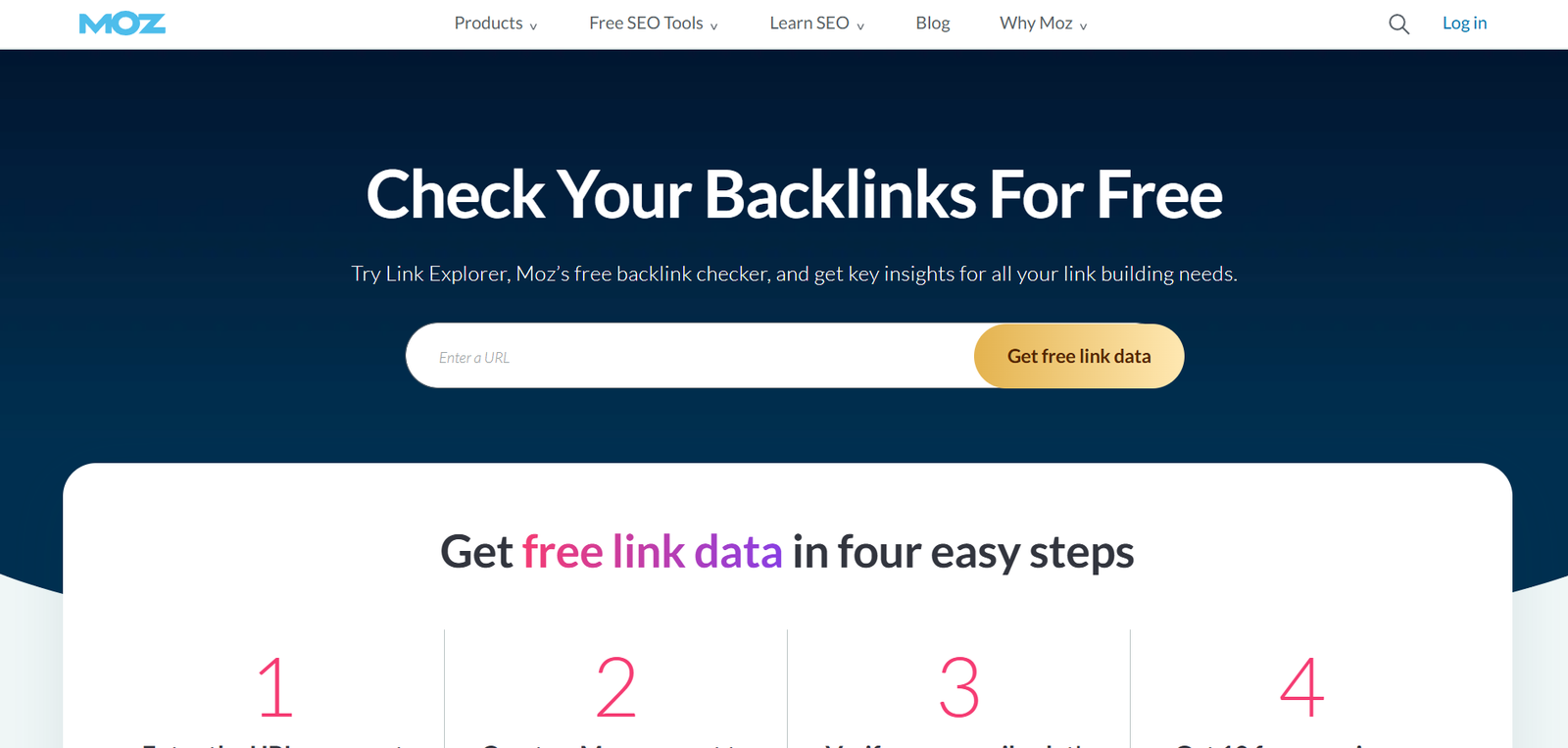
Shows Domain Authority and backlinks.
Moz Link Explorer is a powerful tool used to analyze backlinks and check a website’s domain authority. It helps you see which sites are linking to you, anchor text, and spam score. This is important for improving your SEO strategy and building high-quality links. For beginners, it provides easy insights into competitor backlinks and link opportunities. Using this tool regularly can help increase your website ranking, authority, and organic traffic effectively.
17. SEMrush Free
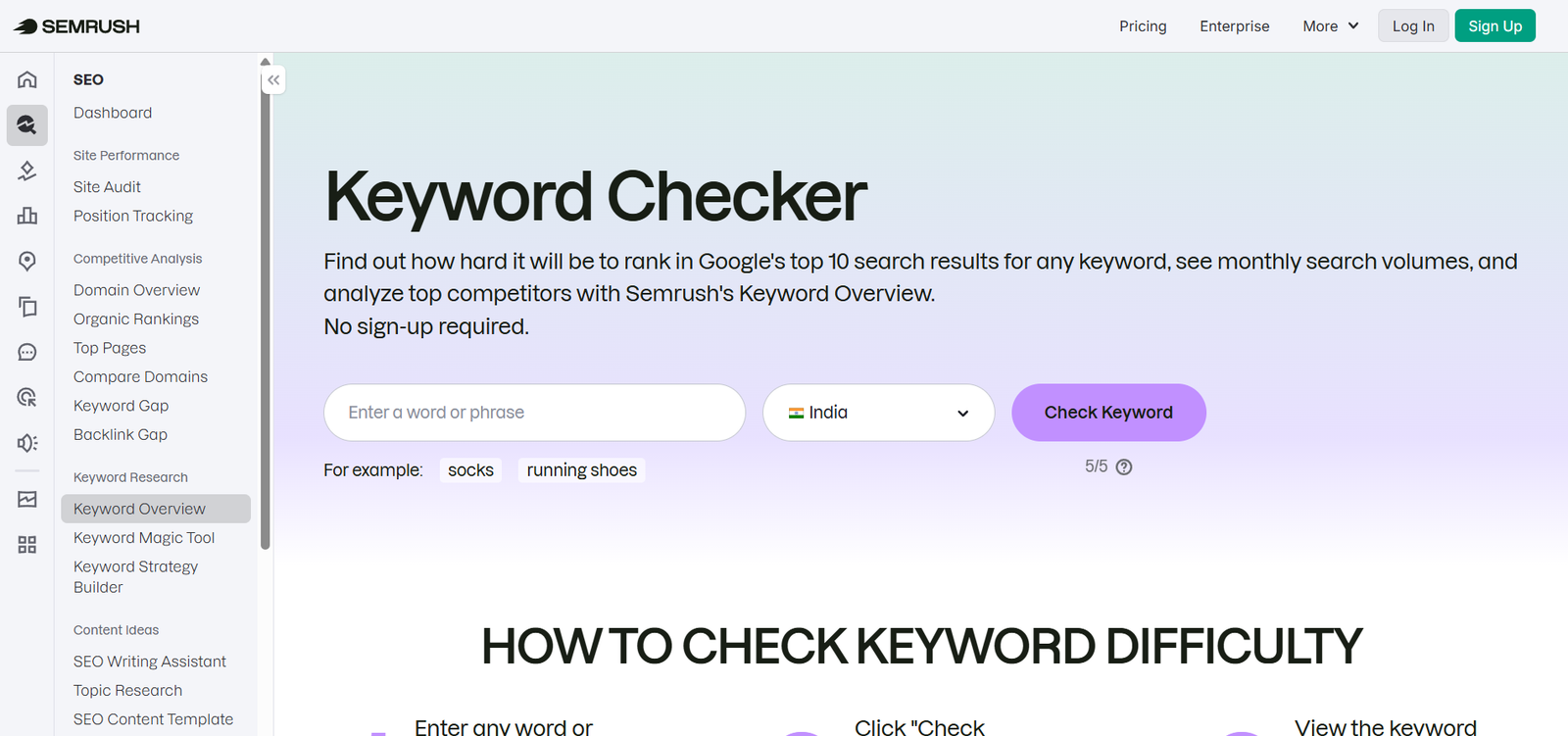
Limited but powerful competitor insights.
SEMrush Free is a popular tool used for keyword research, competitor analysis, and backlink checking. It helps you understand which keywords are ranking and how competitors get traffic. This is important for planning a strong SEO strategy. For beginners, it provides easy data to find the right keywords and improve website performance. Using SEMrush Free can help increase visibility, track rankings, and grow organic traffic step by step.
Top Content Tools
18. Surfer SEO (Free)
Suggests optimization improvements.
Surfer SEO is a tool used to optimize website content based on real-time SEO data. It analyzes top-ranking pages and suggests keywords, headings, and content length to improve rankings. This is important because it helps create content that matches search engine requirements. For beginners, it gives clear guidelines to write SEO-friendly articles easily. Using Surfer SEO can improve content quality, increase visibility, and help rank higher on search engines.
19. Grammarly
Fixes grammar and tone.
Grammarly is a popular tool used to check grammar, spelling, and writing clarity. It helps improve sentence structure and tone, making your content more professional. This is important because error-free writing builds trust and improves readability. For beginners, Grammarly gives simple suggestions to fix mistakes and learn better writing skills. Using it regularly can improve content quality, enhance communication, and make your writing more clear and effective.
20. ChatGPT
Helps with ideas, outlines, and structure.
ChatGPT is an advanced AI tool used to generate content, answer questions, and help with tasks like writing, coding, and research. It is useful for creating SEO content, ideas, and quick solutions. This is important because it saves time and improves productivity. For beginners, ChatGPT provides easy guidance, content suggestions, and learning support. Using it regularly can improve efficiency, creativity, and help grow digital marketing skills faster and other fields.
👉 But always human edit.
Top Tracking Tools
21. Google Search Console (Again)
Still the best free rank tracker.
Google Search Console is a free tool used to monitor website performance on Google Search. It helps track keywords, clicks, impressions, and indexing issues. This is important because it shows how your site appears in search results and helps fix errors. For beginners, it provides simple insights to improve SEO and website visibility. Using it regularly can help increase rankings, fix technical problems, and grow organic traffic effectively.
22. SERPWatcher
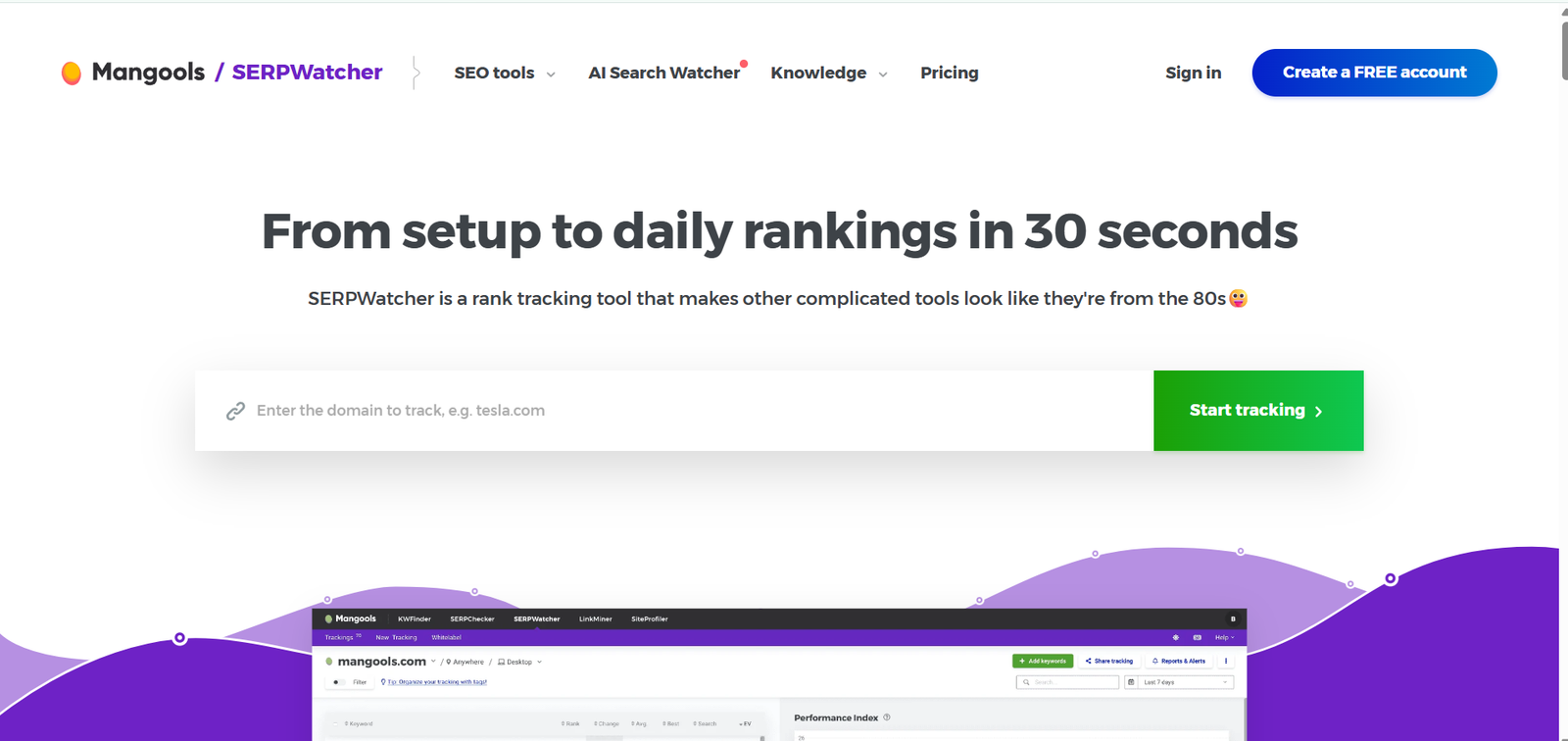
Tracks keyword positions.
SERPWatcher is an easy-to-use tool for tracking keyword rankings on search engines like Google Search. It helps you monitor how your website positions change over time. This is important because tracking rankings shows whether your SEO efforts are working. For beginners, it provides simple and clear reports to understand performance. Using SERPWatcher regularly can help improve keyword strategy, increase visibility, and grow organic traffic step by step.
23. WhatsMySerp
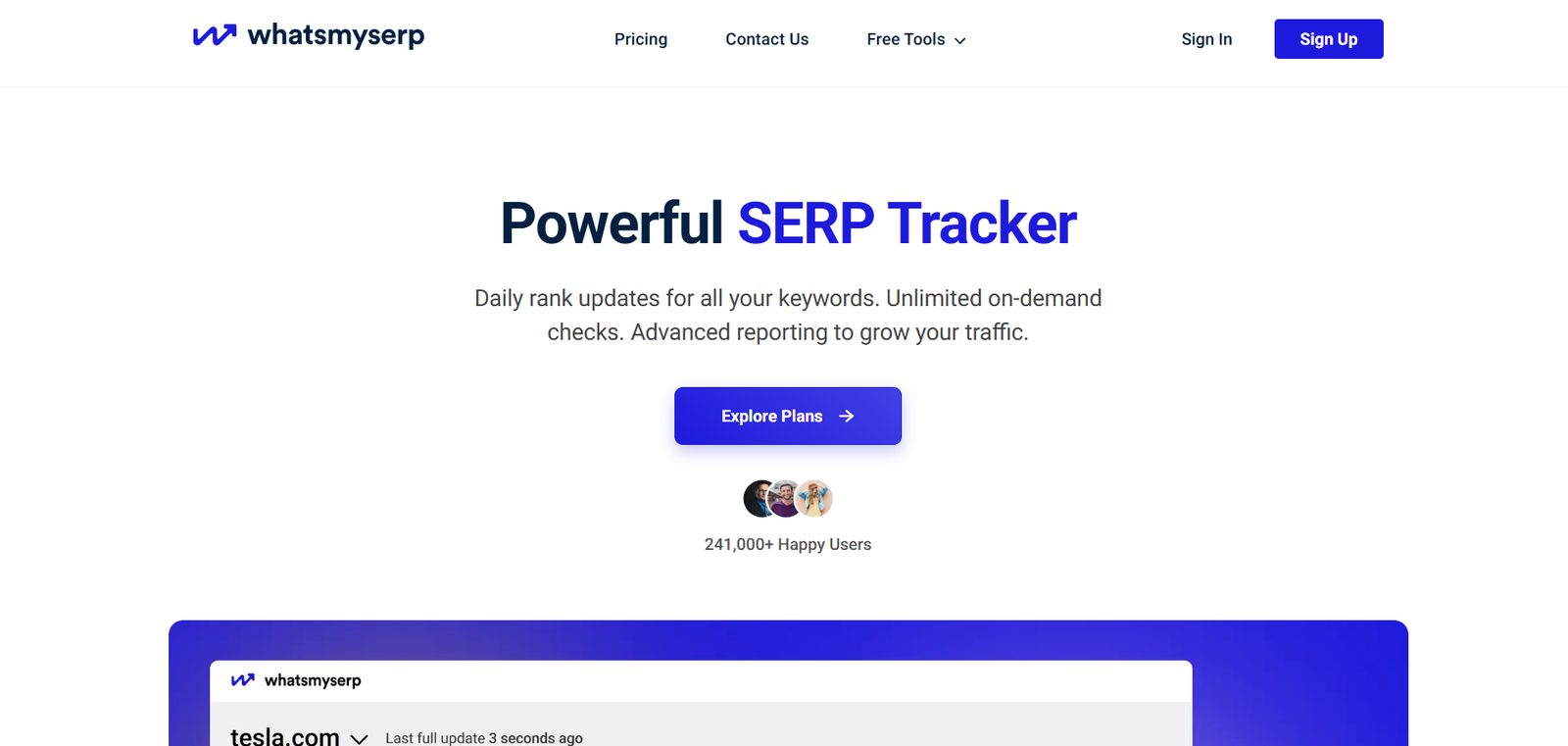
Simple keyword tracking.
WhatsMySerp is a free tool used to track keyword rankings on search engines like Google Search. It helps you see where your website appears for specific keywords and monitor changes over time. This is important because tracking rankings helps measure SEO performance. For beginners, it offers a simple way to understand keyword positions. Using WhatsMySerp regularly can improve strategy, increase visibility, and help grow organic traffic effectively.
Top Extra Tools
24. Canva
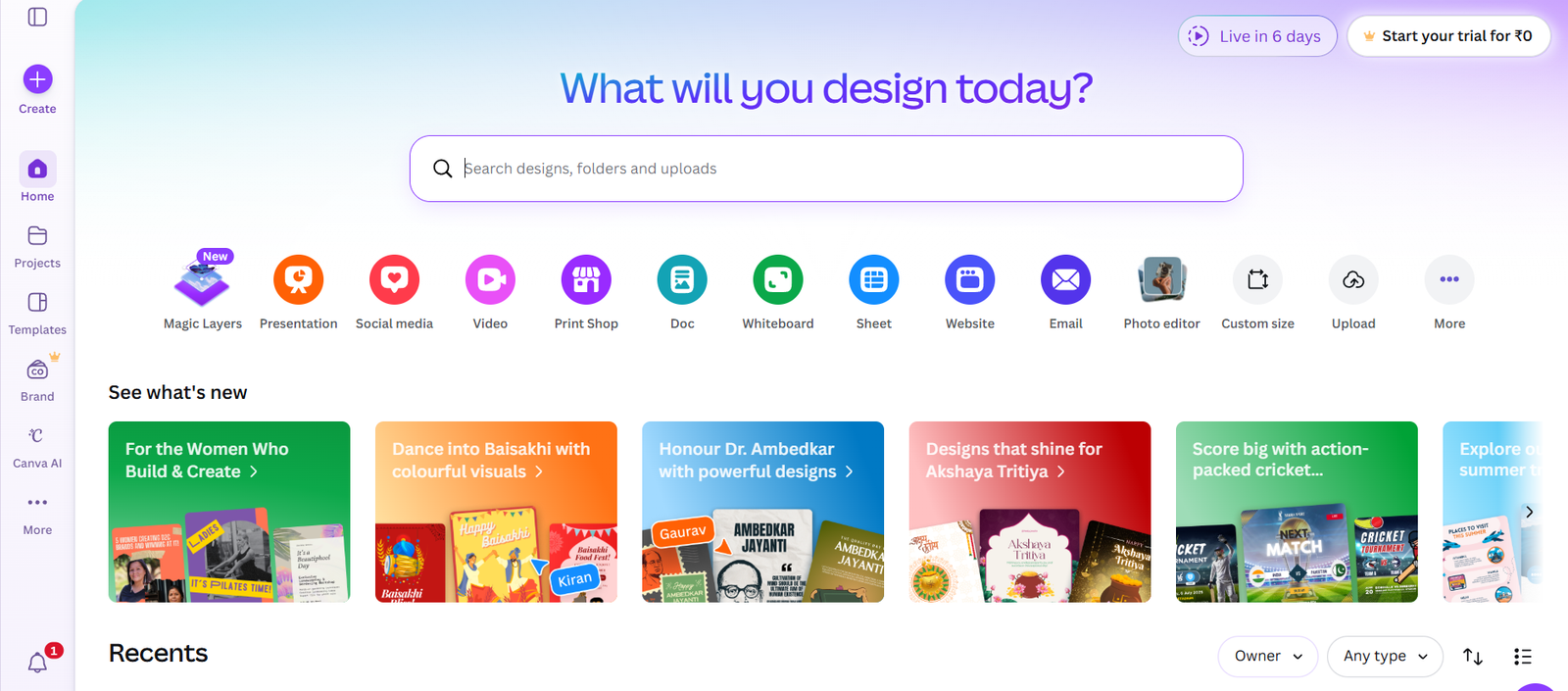
Create thumbnails and blog images.
Canva is a user-friendly design tool used to create social media posts, presentations, posters, and more. It offers ready-made templates, images, and fonts, making design easy without professional skills. This is important because good visuals improve engagement and brand identity. For beginners, Canva provides drag-and-drop features to create high-quality designs quickly. Using it regularly can enhance creativity, improve content quality, and help grow your online presence effectively.
25. Google Analytics
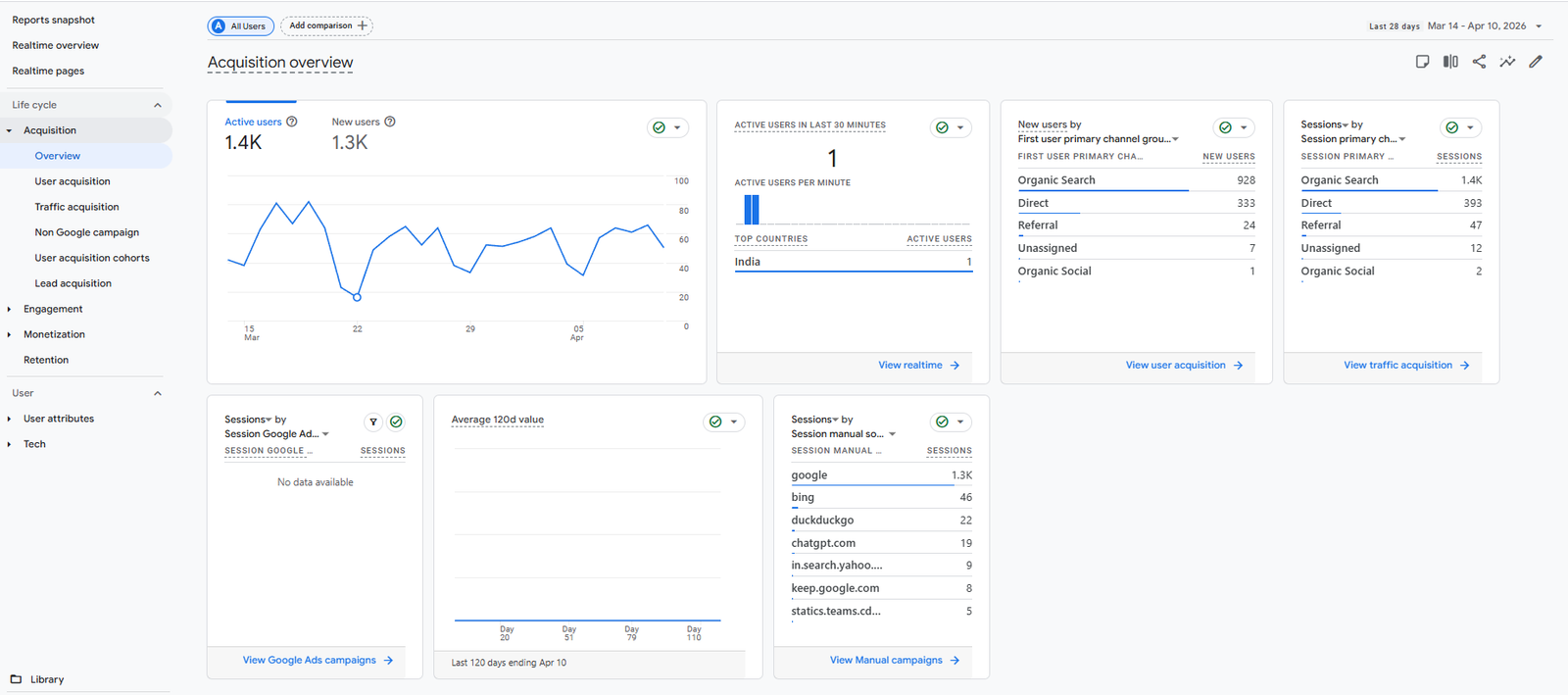
Understand user behavior.
Google Analytics is a powerful tool used to track website traffic and user behavior. It shows data like visitors, page views, bounce rate, and user location. This is important because it helps you understand how users interact with your website. For beginners, it provides clear insights to improve content and marketing strategies. Using it regularly can help increase conversions, improve user experience, and grow your website performance effectively.
Real Example:
If people leave quickly → your content needs improvement.
Table of Contents